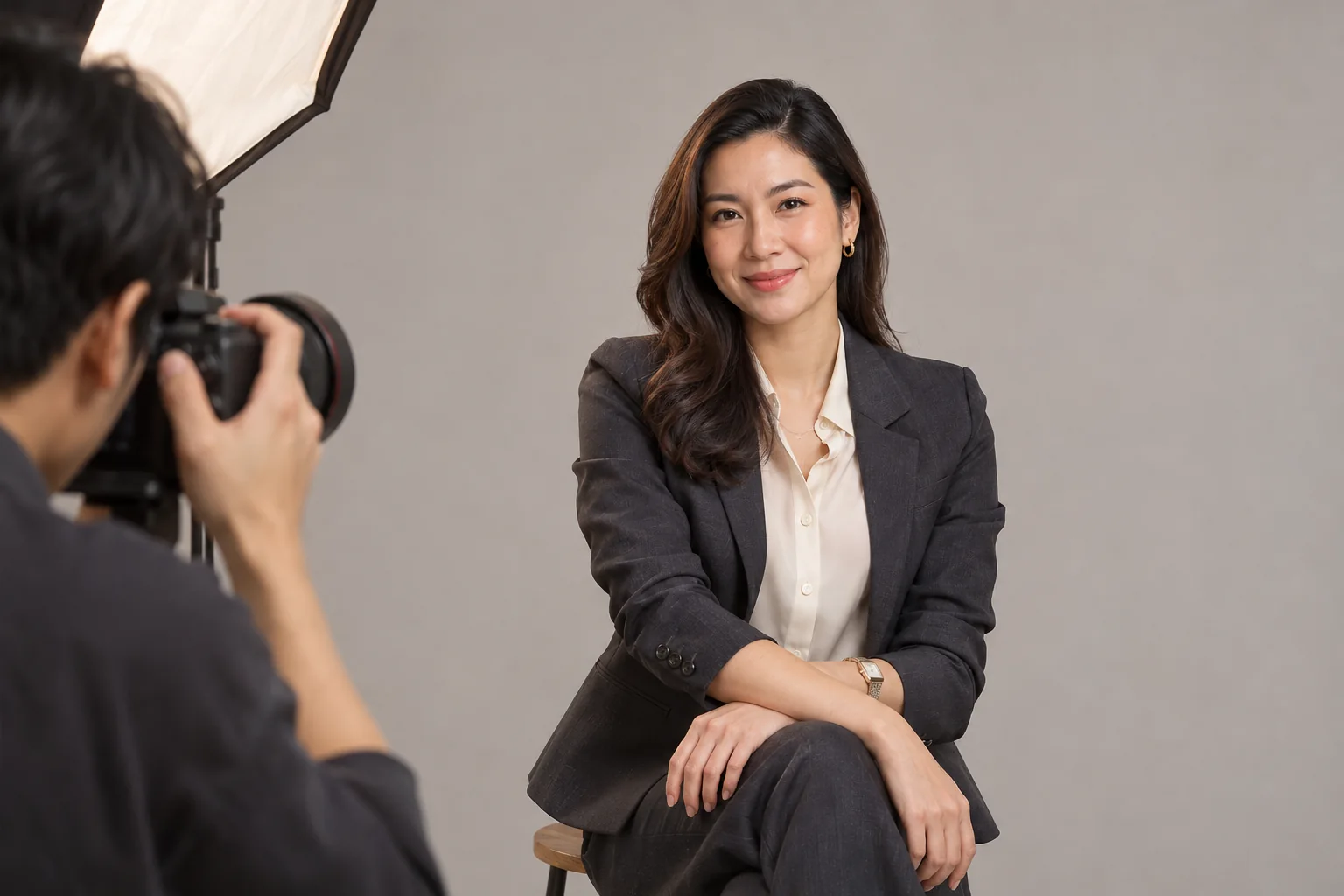
A professional portrait needs to work inside a small LinkedIn avatar as well as a large company website layout. When arranging profile portrait studio rental in Chiang Mai, start with the intended uses and the number of people. Then choose the backdrop, wardrobe and schedule. A clear brief helps your photographer create images that still work after cropping.
This guide is for individuals and companies organizing a shoot. Confirm venue rental, photographer, makeup and retouching as separate items. Renting a space should not be assumed to include a complete photography package.
Define where each photograph will appear
Share a screenshot of the website layout or the required image dimensions before the session. A close headshot needs room around the head for a circular crop. A half-length website portrait may need empty space beside the subject for text. List every required orientation in the deliverables.
| Use | Images to capture | Confirm |
|---|---|---|
| Professional profile | Front-facing and slight-angle headshots | Both square and circular crops fit |
| Company website | Vertical and horizontal half-length portraits | Which side needs room for text |
| Team directory | Consistent head size and camera distance | Matching backdrop, camera height and retouching |
Choose clothing that reflects the actual role
Bring a main outfit that suits the work, such as a business jacket or a simple branded shirt, plus one alternative. Check fit, wrinkles and marks before arriving. Fine patterns can distract in a small avatar. Send wardrobe references alongside the backdrop choice so your photographer can check how the colours separate.
Review a test frame both full size and at the size of the final profile image. Hair, collars and posture can read differently once the photograph becomes a small thumbnail.
Keep company portraits consistent
Approve the first person's test photograph before continuing with the team. Record camera height, standing position, background and light placement. Give each person an arrival slot before their session. Keeping one setup is more reliable than choosing a different background for every employee.
- Prepare names and file labels to avoid mixing up deliveries.
- List individual, paired and group photographs separately.
- Choose one person to approve the visual direction.
- Agree image usage and retouching scope with the photographer.
Allow time for setup and image checks
Do not calculate the booking from shutter time alone. Include lighting tests, wardrobe adjustments, changing subjects, reviewing sample images and packing. If the lighting approach is undecided, read our natural light and studio flash guide, then ask the photographer to check the equipment list.
Questions before a profile session
Is a photographer included in the rental?
Confirm each item separately with the studio and photographer. Space rental does not automatically include a crew, makeup or a specified number of retouched files.
Must group and individual portraits use the same background?
No, but the colour direction and clothing should work together. Tell the studio the largest number of people in one frame so it can assess the grouping.
Which references should I prepare?
Bring example portraits, the actual page layout, brand colours, a participant list and required deliverables. Make the priorities clear before shooting.
Brief KOI Studio about your portrait shoot
Send the date, number of people, outfit changes and any group-photo requirement, with backdrop references. View the actual studio photographs and current rental packages, then ask KOI Studio in San Phi Suea, Mueang Chiang Mai about availability through LINE.